
In today’s fast-paced world, juggling multiple tasks can feel overwhelming, leaving you stressed and unproductive. Whether you’re managing personal projects or collaborating with a team, an effective online task manager can be your secret weapon for success. This article will introduce you to the top online task managers that not only help you organize and prioritize your tasks but also enhance your overall efficiency. Say goodbye to chaos and hello to clarity as you explore these powerful tools designed to transform your approach to task management.
Toodledo: The Ultimate Online Task Manager
Toodledo is more than just an online task manager; it’s a comprehensive tool designed to help you manage your tasks, projects, and time effectively. Whether you’re a busy professional or a student juggling multiple assignments, Toodledo can streamline your workflow.
One of the standout features of Toodledo is its customizable task lists. You can create different folders for each project or area of your life. This organization allows you to see all your tasks at a glance, making it easier to prioritize what’s important.
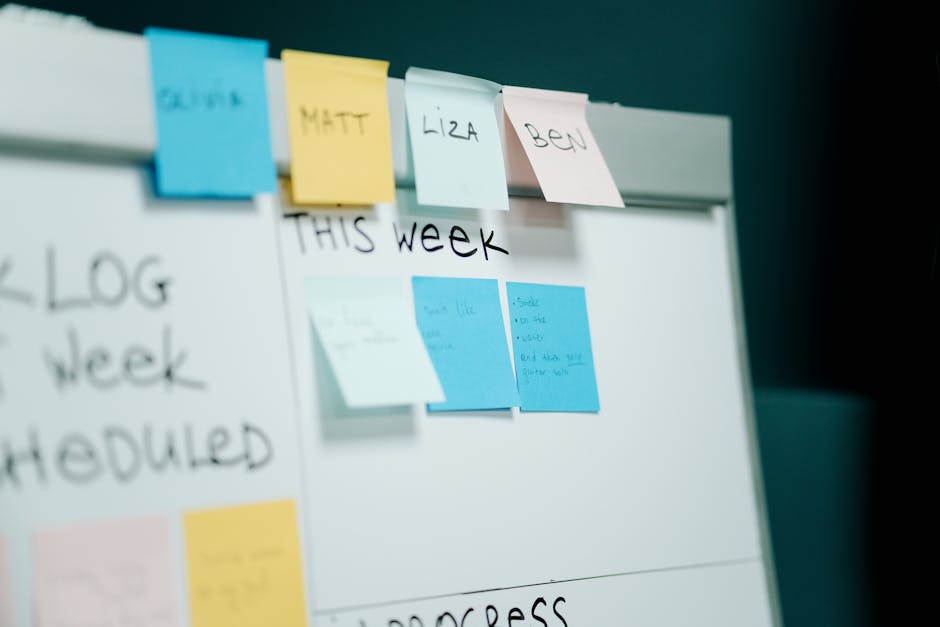
With Toodledo, you can set due dates, reminders, and even recurring tasks. This ensures you never miss a deadline, which is crucial for effective task management. Plus, the calendar view allows you to visualize your upcoming tasks and projects.
- Customizable task lists
- Due dates and reminders
- Recurring tasks
- Calendar view for better planning
What makes Toodledo particularly appealing is its flexibility. You can create tasks for personal projects, business responsibilities, or even daily chores. This versatility helps you keep all your tasks in one place, reducing the mental clutter.
Toodledo also offers a unique feature called “Outlines,” which lets you break down tasks into subtasks. This is especially useful for larger projects where you need to manage multiple components. By outlining your tasks, you can focus on one step at a time, making the overall project less daunting.
| Feature | Benefit |
|---|---|
| Customizable Lists | Tailor your task management to your needs |
| Calendar Integration | Visualize tasks and deadlines |
| Subtasks | Manage complex projects easily |
Another great aspect of Toodledo is its collaboration features. You can share tasks with team members, making it easier to manage group projects. This is particularly beneficial for businesses looking to enhance their task management processes.
In conclusion, Toodledo is an all-in-one online task manager that adapts to your needs. Whether you are managing personal tasks or coordinating business projects, Toodledo can help you stay organized and on top of your responsibilities. Why not give it a try and see how it transforms your productivity?
Plaky: A Free Project and Task Management Tool
Plaky is an impressive online task manager that offers a range of features designed to simplify project and task management. Whether you’re working on a personal project or collaborating with a team, Plaky helps you create and organize tasks efficiently.
With its user-friendly interface, you can easily see all your tasks at a glance. The layout is clean and intuitive, making it simple for anyone to jump in and start managing their work without a steep learning curve. This is especially important for businesses that need to onboard new team members quickly.

One of the standout features of Plaky is its ability to integrate with your calendar. This means you can sync your tasks with your schedule, ensuring that you allocate enough time for each project. It’s an important aspect of time management that many users appreciate.
Here are some key features of Plaky:
- Task creation and assignment
- Calendar integration
- Collaboration tools for teams
- Progress tracking
As you dive deeper into Plaky, you’ll find that it supports various task types, whether they are simple to-dos or complex project milestones. This flexibility allows you to tailor your task management approach to fit your specific needs.
Using Plaky can significantly enhance your productivity. With the ability to categorize tasks, you can focus on what’s important. Imagine having all your tasks organized by project, priority, or deadline-this is where Plaky shines.
| Feature | Benefit |
|---|---|
| Task Assignment | Distribute workload effectively |
| Progress Tracking | Monitor project status in real-time |
Another important aspect of Plaky is its free version, which is perfect for individuals or small teams looking to manage their tasks without incurring costs. It’s a great way to explore the tool’s capabilities before committing to any premium features.
So, if you’re on the hunt for an online task manager that combines simplicity with powerful features, Plaky is worth considering. You can create tasks, collaborate with others, and keep everything organized-all in one place.
In conclusion, Plaky stands out as a reliable tool for anyone looking to enhance their task management experience. With its focus on usability and functionality, it can help you manage your time more effectively and keep your projects on track.
Google Tasks: Integrate with Your Daily Workflow
Google Tasks is a powerful online task manager that can seamlessly integrate into your daily workflow. Whether you’re managing a complex project or just trying to keep track of your personal tasks, Google Tasks offers a simple yet effective solution.
With its intuitive interface, you can easily create tasks, set deadlines, and prioritize your work. This makes it an essential tool for anyone looking to enhance their task management skills. Plus, it syncs effortlessly with your Google Calendar, allowing you to see your tasks alongside your scheduled events.
Integrating Google Tasks into your daily routine can help you stay organized and focused. Here are some key features that make it stand out:
- Seamless integration with Google services
- User-friendly interface
- Ability to create multiple task lists
- Options to set due dates and reminders
One of the most important aspects of task management is the ability to prioritize. Google Tasks allows you to easily drag and drop tasks to reorder them based on urgency. This feature is particularly useful when you have multiple projects on your plate and need to allocate your time effectively.
You might wonder how to get started with Google Tasks. The first step is to access it through your Google account. Once you’re in, you can create a new task by clicking the “+” icon. It’s that simple!
You can also add descriptions, subtasks, and even notes to each task. This allows for a more detailed view of what needs to be done, which can be especially helpful for larger projects.
| Feature | Benefit |
|---|---|
| Task Lists | Organize tasks by category |
| Reminders | Stay on top of deadlines |
| Subtasks | Break down larger tasks |
Another fantastic feature is the ability to collaborate. If you’re working on a team project, you can share your task list with others. This ensures everyone is on the same page and can see what needs to be accomplished.
As you can see, Google Tasks is not just an online task manager; it’s a versatile tool that can enhance your productivity. By integrating it into your daily workflow, you’ll find it easier to manage your time and stay organized.
So, why not give it a try? You might be surprised at how much more efficient you can be with a little help from Google Tasks!
Asana: Transform Your Team’s Task Management
Asana is an excellent online task manager designed to streamline your team’s workflow. With its intuitive interface, you can easily create and assign tasks, making it a breeze to keep everyone on the same page. Whether you’re managing projects or daily work, Asana helps you stay organized and efficient.
One of the most important features of Asana is its ability to visualize tasks in various formats. You can choose between list views, boards, and even calendars. This flexibility allows teams to see their work in a way that suits their unique style, enhancing productivity.
- Task assignment and tracking
- Customizable project templates
- Integration with other tools
Moreover, Asana’s calendar feature is particularly useful for planning. It allows you to see all tasks and deadlines at a glance, helping you manage your time effectively. This way, you can prioritize important tasks and ensure that nothing slips through the cracks.
With Asana, collaboration becomes simpler. Team members can comment directly on tasks, share files, and update statuses. This reduces the need for endless email threads and keeps all communication in one central place.
| Feature | Benefit |
|---|---|
| Task Tracking | Stay updated on progress |
| Calendar View | Visualize deadlines |
In addition, Asana integrates seamlessly with other business tools, enhancing your task management experience. You can connect it with Slack, Google Drive, and many more, making it easier to share information and collaborate effectively.
So, if you’re looking for a robust online task manager that can transform your team’s workflow, Asana is definitely worth considering. It offers a comprehensive solution to manage tasks, projects, and time effectively, ensuring your team stays on track.
In conclusion, choosing the right online task manager can significantly enhance your productivity and organization. With the myriad of options available, it’s essential to consider your specific needs, whether you’re an individual looking to streamline personal projects or a team seeking collaboration tools. An effective online task manager not only helps you keep track of your tasks but also fosters better communication and accountability among team members. Features like deadline reminders, progress tracking, and integration with other tools can make a substantial difference in how efficiently you manage your workload. As you explore various platforms, take advantage of free trials and demos to find the one that fits seamlessly into your workflow. By adopting an online task manager that suits your style, you’ll be better equipped to prioritize your tasks, meet deadlines, and ultimately achieve your goals. Embrace the digital age of task management, and watch as your productivity soars to new heights.
Leave a Reply